Private by default
Browse without being watched.
Teal encrypts everything between your device and our server. We don’t log the sites you visit, what you send, or the address you connect from.
Read our privacy promiseYour internet, under your wing. Teal is built for hotel, office and mobile networks that restrict VPNs, with no browsing logs and no ads.
No card needed
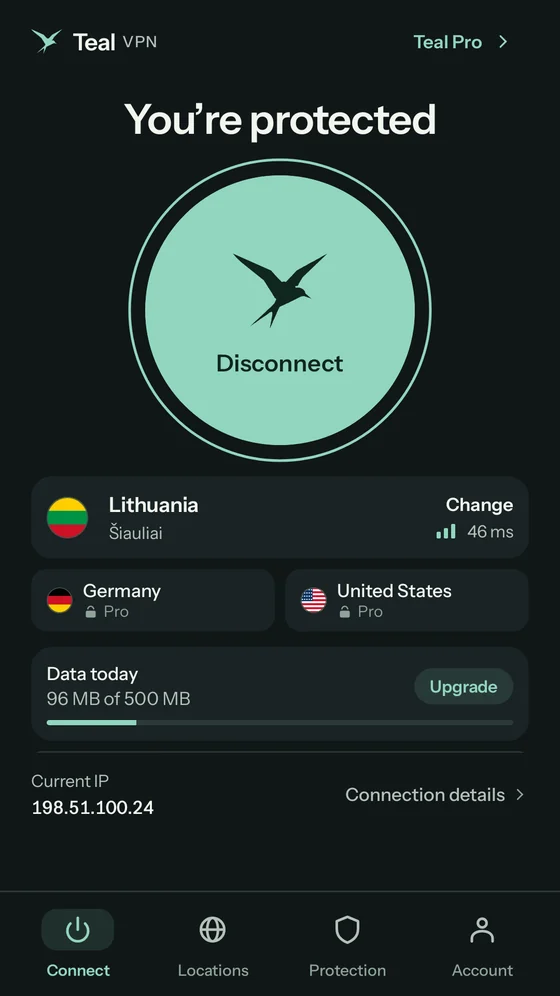
Free for Android. Install it in a minute, no card needed.


On a computer? Scan this with your Android phone’s camera to open Teal in Google Play.
Teal for iPhone and iPad is coming soon. Leave your email and we’ll tell you the day it’s ready.
Tell me when it’s readyComing soon
One account, every screen
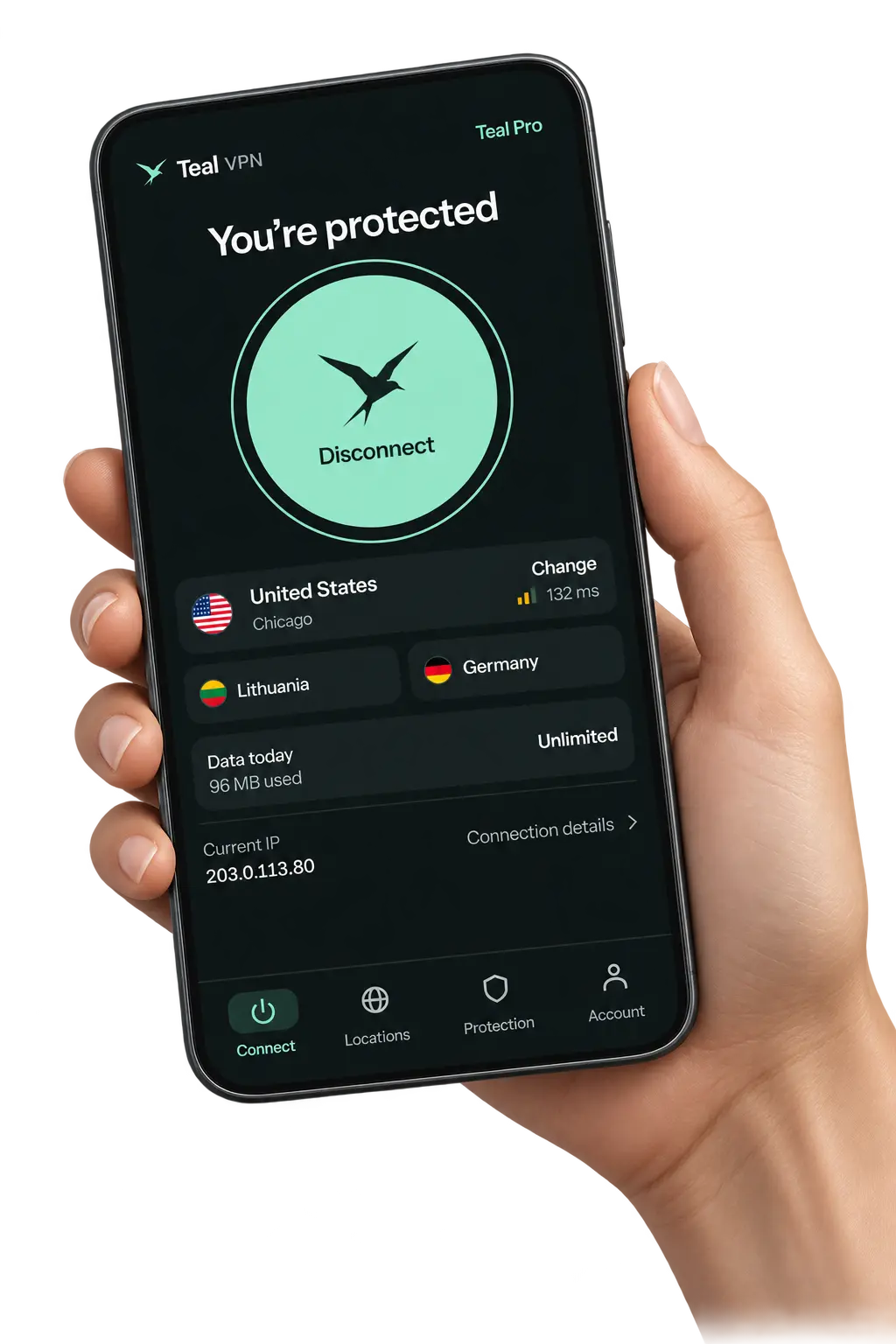
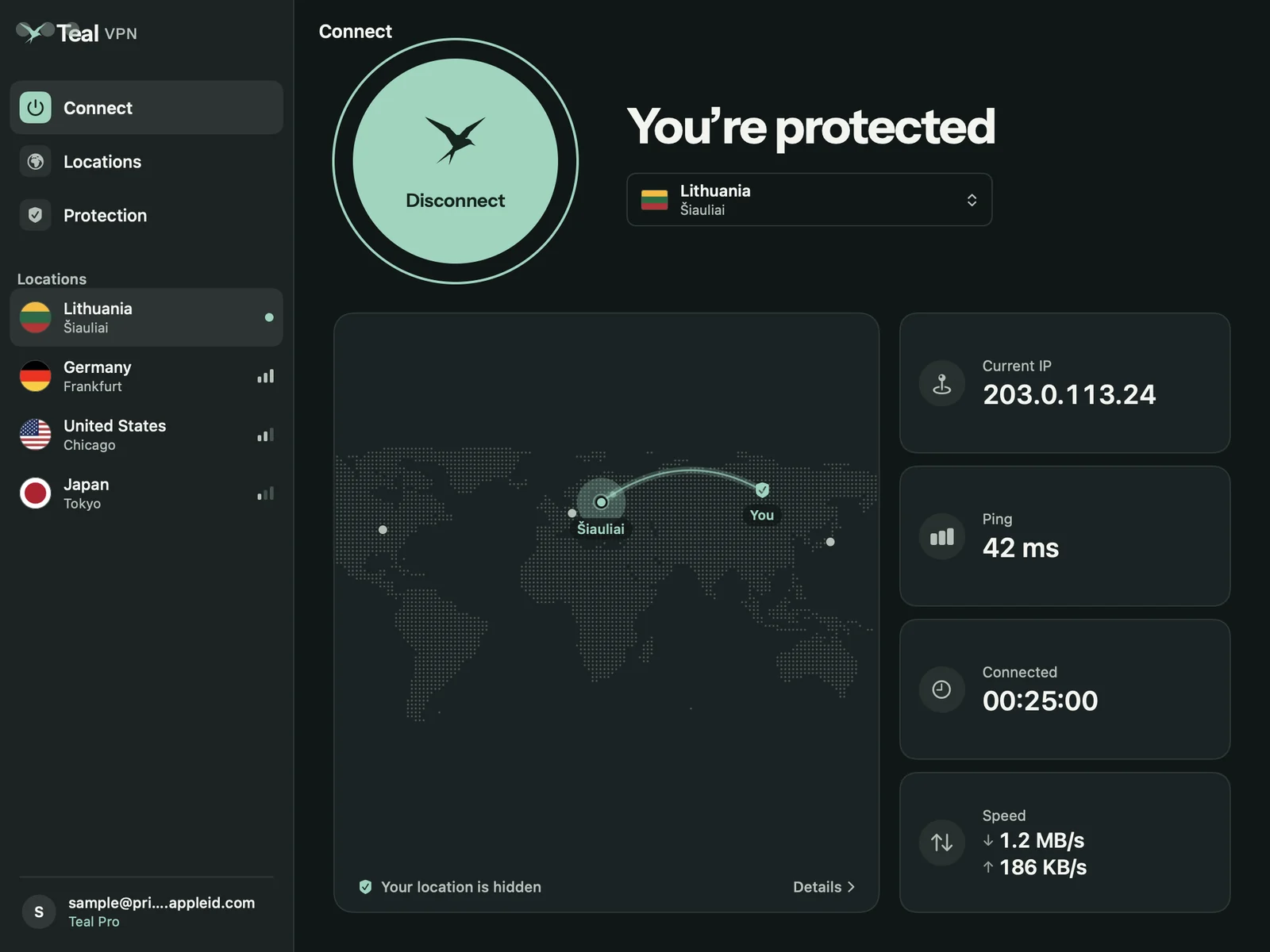
The same plan and the same privacy on each device. Dark mode included.
Why Teal
Three things Teal does every time you connect.
Private by default
Teal encrypts everything between your device and our server. We don’t log the sites you visit, what you send, or the address you connect from.
Read our privacy promiseBuilt to connect
Built-in obfuscation makes Teal traffic hard to spot and block. If one route is closed, the app quietly tries another, so you stay connected on restrictive networks.
Yours alone
Your private key is created on your phone and never sent to us. No ads, no app trackers, and split tunnelling lets you choose which apps use the VPN.
We count the data you use, never what you do with it.
Every account decision is made on our servers, not trusted to a phone.
Teal is paid for by Pro subscribers, not by selling attention.
Getting started
Install Teal from Google Play on your Android phone. iPhone, iPad and Mac are coming soon.
Sign in with Google. Your Free plan is ready, with no payment details needed.
Choose your location and connect. Teal takes care of the encrypted tunnel.
Locations
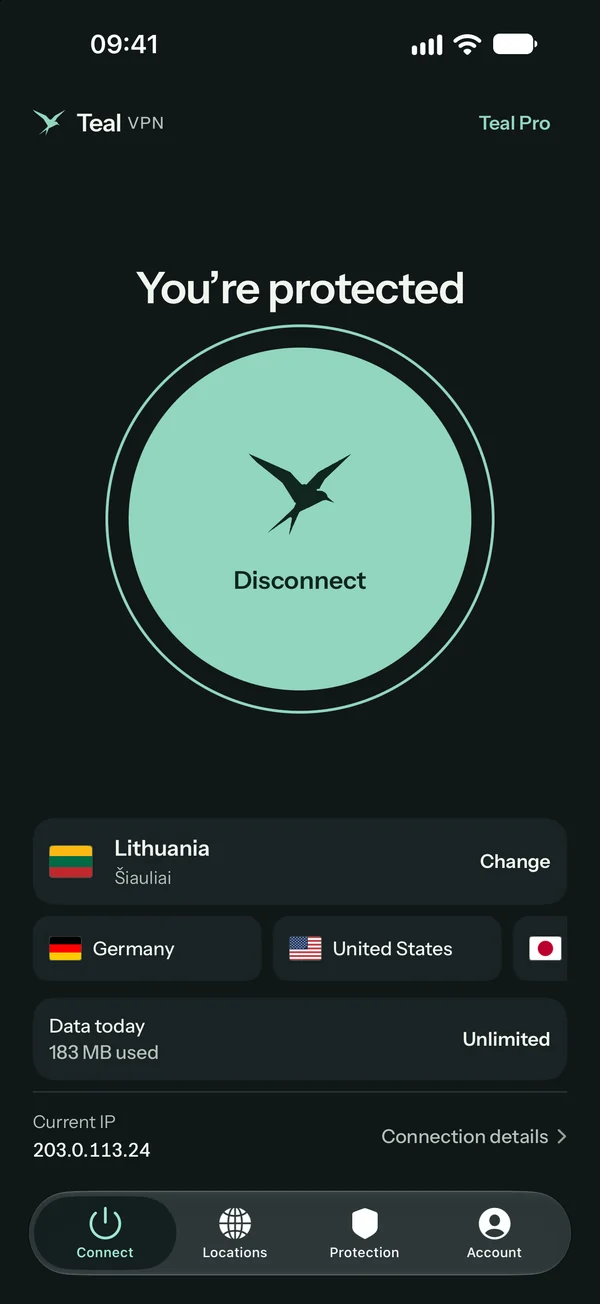
Start with Lithuania on Free. Pro opens every location.
What we keep
Honest limits
A VPN hides your traffic from the network you are on and your IP from the sites you visit. It can’t stop you from signing in to accounts that know who you are, block every tracker in a website, or protect a phone that already has malware.
Plans
Your privacy doesn’t depend on your plan.
Teal Free
A fresh allowance every morning. No card needed.
Start with Teal FreeTeal Pro Most freedom
Upgrade inside the app, through Google Play. Cancel any time there, and your Free plan stays.
Upgrade in the app| Feature | Free | Pro |
|---|---|---|
| Data | 500 MB a day/day | Unlimited |
| Locations | Lithuania | All locationsAll 4 |
| Devices | 2 | 3 |
| Encryption and obfuscationEncryption | Same | Same |
| Ads or trackers | None | None |
Servers cost money and Teal shows no ads and sells no data. Pro subscribers pay for the network, so Free gets a daily allowance instead: enough for messages, maps, email and browsing. It counts only how much data passes, never what it is, and it refills every day.
Yes. Every account starts with Teal Free: 500 MB of data each day, the Lithuania location, and up to 2 devices. The daily allowance is shared across your account, and the app shows how much you have used. No payment details are needed.
Teal VPN is on Google Play for Android 8.0 and later. Search for Teal VPN or use the Google Play link on this website. The Free plan needs no payment details.
We don’t log the sites you visit, the destinations you connect to, or the contents of your traffic. We don’t store your connection IP address. We do keep the information needed to run your account, including your Google sign-in, device public keys, and total data usage.
Read the full Privacy PolicyTeal uses traffic obfuscation to make VPN traffic harder to identify and block. The app can try another connection route when one is blocked. Results depend on the network; no VPN can promise to connect everywhere.
Teal Pro includes unlimited data, all Teal locations, and up to 3 devices. Check the Android app for the offers and local prices available to your account. Purchases are handled through Google Play.
Android is on Google Play. iPhone, iPad, and Mac versions are in development or testing; Windows is planned. We’ll share download details as each version becomes available.
Yes. In the app, open Account, choose Delete account, and confirm. Your account, registered devices, and sign-in sessions are deleted immediately. If you can’t use the app, our account deletion page explains how to contact us.
Account deletion detailsTeal VPN for Android is on Google Play, with the Free plan included.
On iPhone, iPad, Mac or Windows? Leave your email and we’ll tell you when Teal is ready there.